AI logo maker · brand assets · paid credits
AI logo maker & brand asset generator
Write a short brief, pick a style and asset type, and LogoQuill generates one image per selected AI model. Generating uses paid credits: the default run is 3 images for 6 credits, and packs start at $2.99.

Real LogoQuill outputs for fictional brands, generated on 27 November 2026 from starter briefs on this site. Tiles are cropped to fit; each opens the page with the full file, model and download. Tiles marked layout preview place an output on a mock-up and are not model output.
The creator
Write your brief
- 01
Describe
Write a brief with your name and the one idea the mark should carry. Choose a style, colours and asset type.
- 02
Generate
Each selected model returns one image. The credit total is shown before you generate (default: 6 credits for 3 images).
- 03
Edit and export
Open a result in the editor to recolour shapes, add your name as a new text layer or trace it to vector paths, then export PNG, JPG or SVG. Lettering generated inside an image is part of the picture, not editable text; if it is wrong, regenerate or start from a symbol-only result.
01What you need
02Describe
Reference (optional)
Upload an existing logo/image or paste a website URL. AI will use it as inspiration. Only Nano Banana 2 receives the reference; other selected models work from your text.
or
03Style
04Colours
Or set each colour
#6366f1
#0f172a
#f59e0b
05Generate
Recraft V4 Vector
2 cr
Nano Banana 2
2 cr
Recraft V3
2 cr
3 images
6 credits
01 · Industries
Start from your industry
Restaurant · Ideogram V3 · PNG Food and drink
Interior Design · Ideogram V3 · PNG Professional and creative services
Law Firm, Accounting Firm, Consulting, Real Estate, Architecture Firm, Interior Design, Creative Agency, Travel Agency
Barber Shop · Ideogram V3 · PNG Health, wellness and personal care
Healthcare, Dental Clinic, Veterinary Clinic, Fitness & Gym, Yoga Studio, Beauty Salon, Barber Shop
Electrician · Ideogram V3 · PNG Local trades and home services
Construction, Landscaping, Cleaning Service, Plumbing, Electrician, Automotive, Car Wash
Bookstore · Ideogram V3 · PNG Retail, fashion and events
E-commerce, Fashion Brand, Florist, Bookstore, Pet Shop, Tattoo Studio, Wedding Planner
Podcast · Ideogram V3 · PNG Creators, media and gaming
Music & Band, Podcast, YouTube Channel, Twitch Streamer, Gaming, Photography
Fintech · Ideogram V3 · PNG Technology and finance
Tech Startup, SaaS, Startup, AI Company, Fintech, Blockchain & Crypto
Daycare & Childcare · Ideogram V3 · PNG Education and community
Education, Nonprofit, Church & Ministry, Daycare & Childcare
02 · Styles
Styles that are easy to confuse

Flat Design · Recraft V4 Vector · native SVG 
Minimalist · Recraft V4 Vector · native SVG Flat vs minimalist
Flat is a rendering technique: solid fills, no gradients or shadows. Minimalist is about using fewer elements. A mark can be flat without being minimal.
Vintage & Retro · Ideogram V3 · PNG 
Emblem & Crest · Nano Banana 2 · PNG Vintage vs emblem
Vintage is period styling and texture. Emblem is a structure: type and image inside a badge, shield or crest. An emblem can be modern.
Monogram · Ideogram V3 · PNG 
Luxury & Premium · Ideogram V3 · PNG Monogram vs luxury
Monogram is a construction (letters combined into one mark); luxury is a tone (restrained palette, high-contrast type). They are often combined.
03 · In use
Check the logo where it will live
04 · Beyond the logo
More than a logo
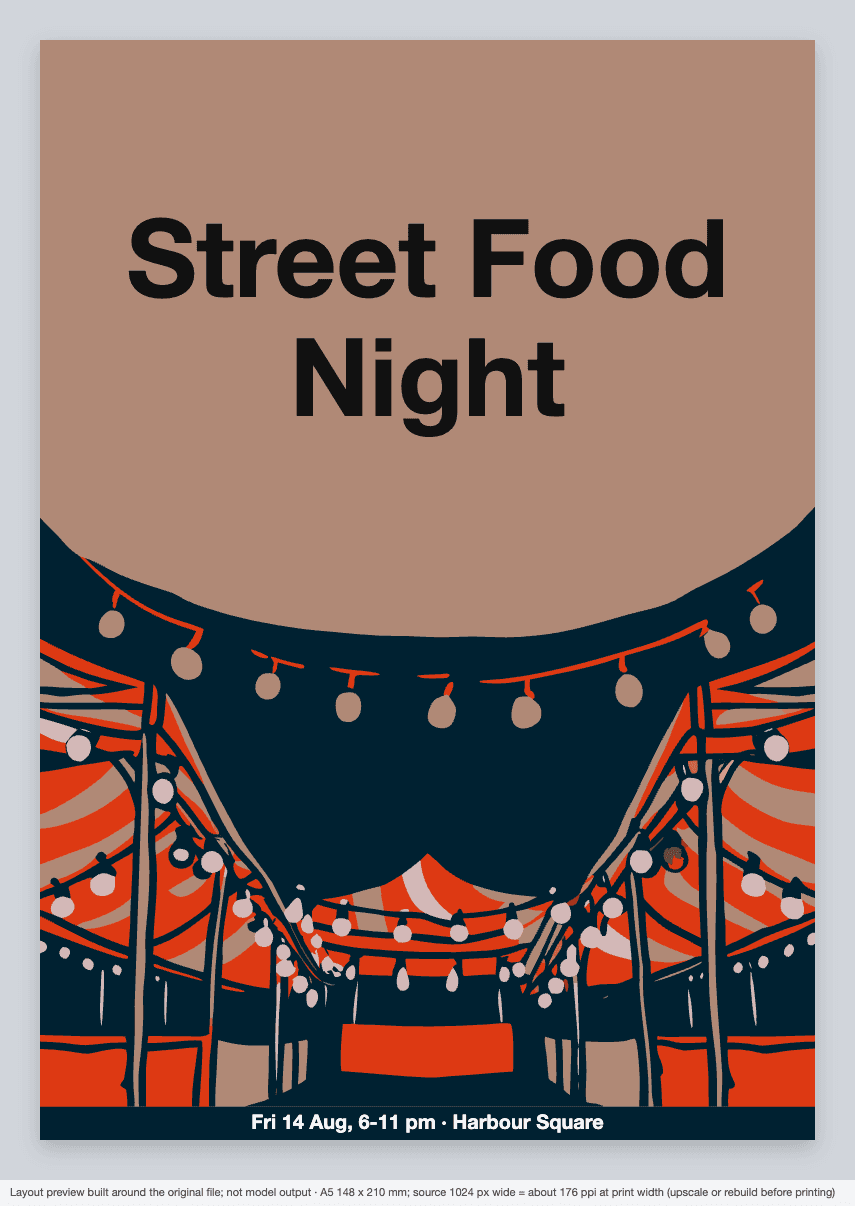
Layout preview · not model output Flyer
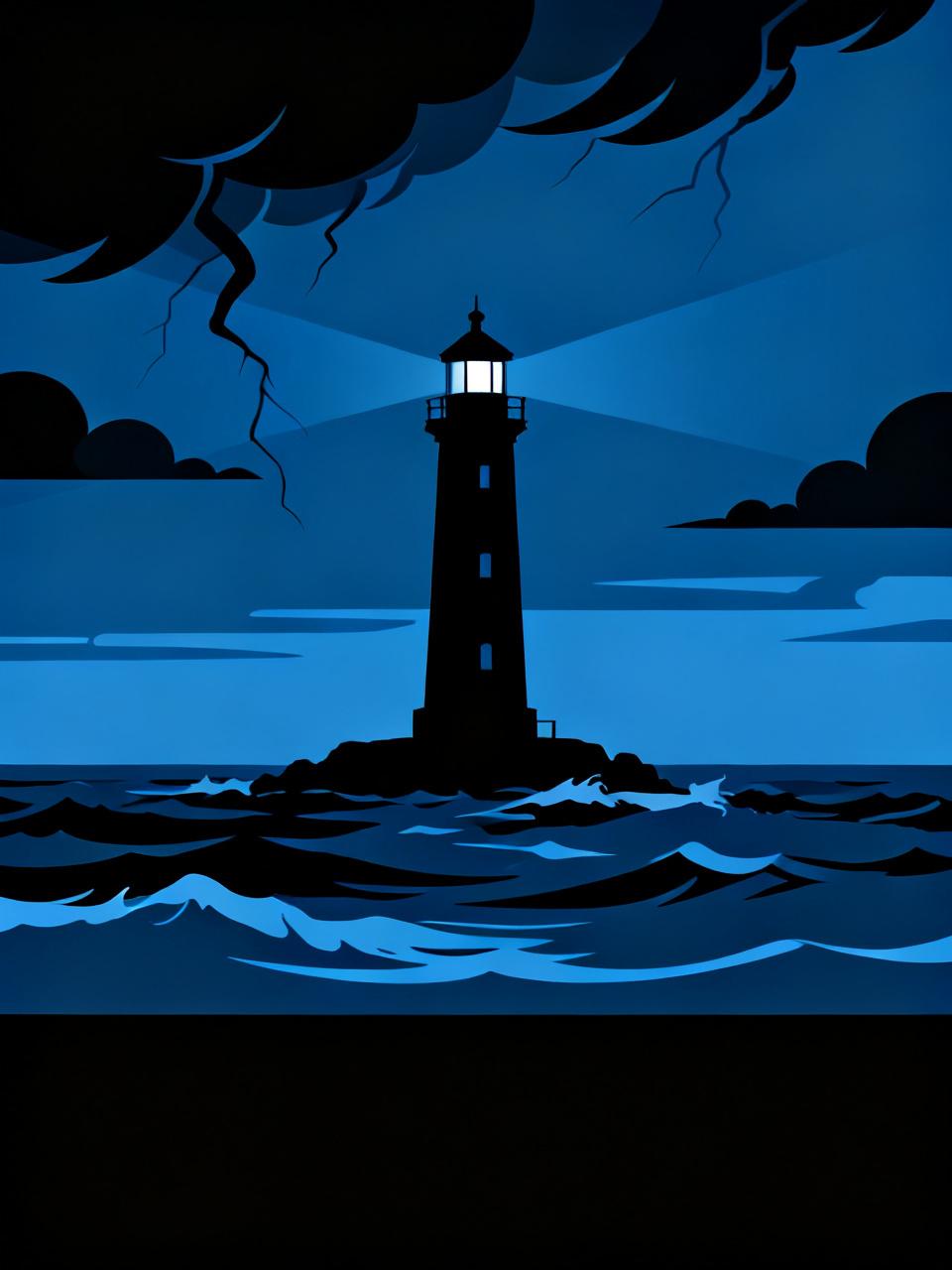
Seedream V4 · JPEG Poster
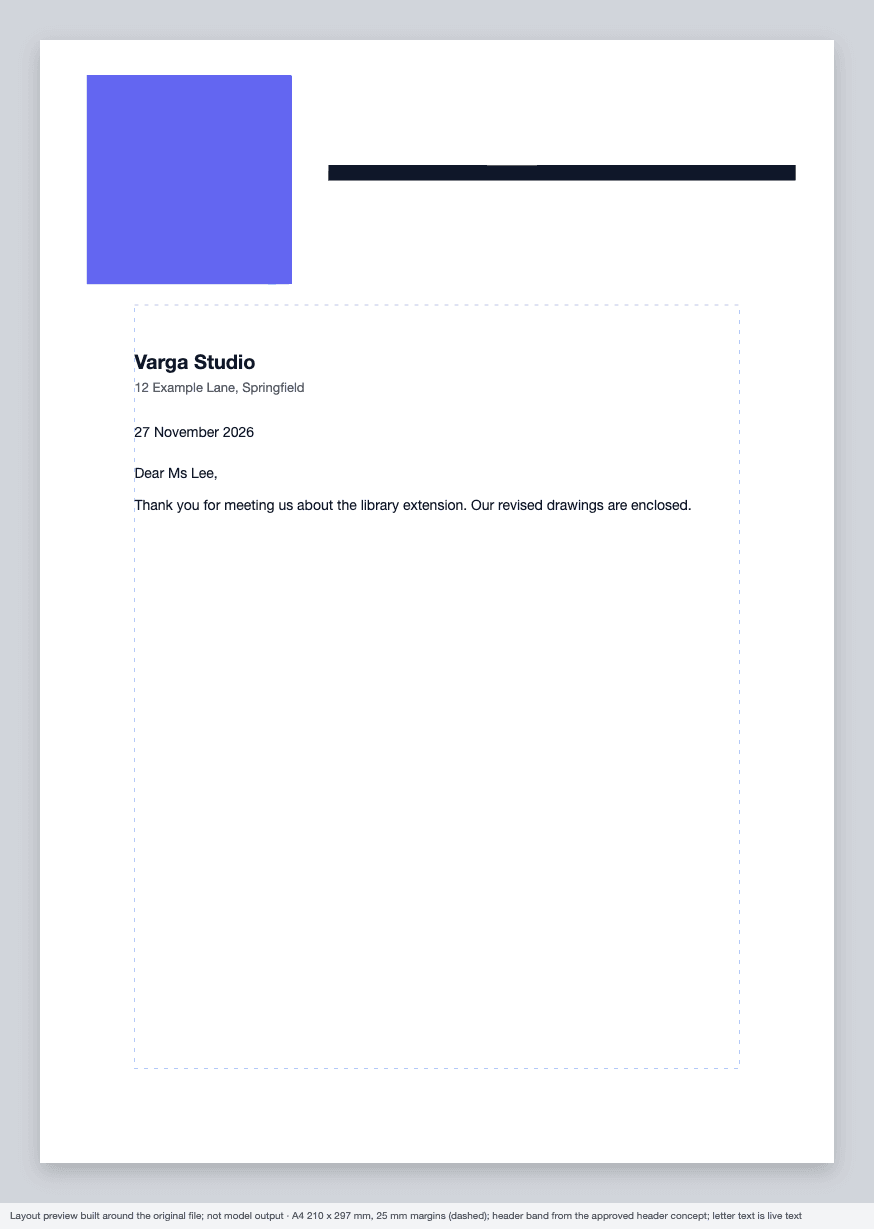
Layout preview · not model output Letterhead
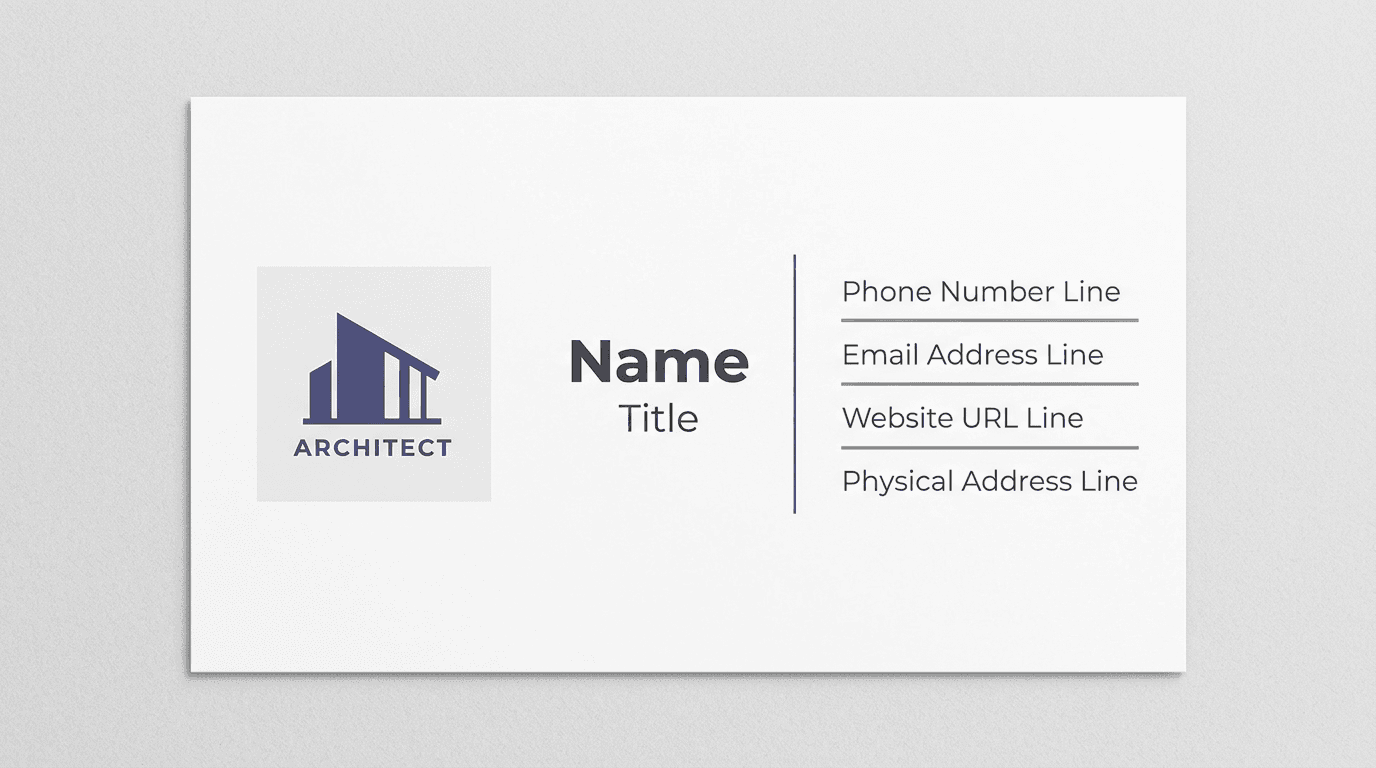
Nano Banana 2 · PNG Business card

Recraft V4 Vector · native SVG App icon

Nano Banana 2 · PNG Social profile
05 · The product
What the creator and editor do
- 6 generation models
- Nano Banana 2, Recraft V4 Vector, Recraft V3, Ideogram V3, Seedream V4, Flux Pro v1.1. By default the creator picks three for your style and asset type; you can choose models yourself in the advanced options.
- Native SVG from 2 models
- Recraft V4 Vector and Recraft V3 return SVG files. Other models return raster images, which the editor's vectorize tool can trace into editable paths; tracing is most accurate on simple, flat images.
- In-browser editor
- Add and edit text layers in 44 fonts, recolour shapes, add shapes, arrange layers and align elements before exporting. Lettering generated inside an image is not an editable text layer.
- Full set option
- One run generates a logo, icon, favicon and business card from a single model (normally 8 credits). Letterheads, flyers, posters and social images are separate asset types.
- Reference input
- Upload your own existing logo or image, or capture your own website, as visual input for the models that accept a reference.
- Edit and clean up
- Describe a change in plain words, remove a background or upscale a raster result. Credit costs for each tool are listed on the pricing page.
06 · How it works
How it works
Step 01
Describe
Write a brief with your name and the one idea the mark should carry. Choose a style, colours and asset type.
Step 02
Generate
Each selected model returns one image. The credit total is shown before you generate (default: 6 credits for 3 images).
Step 03
Edit and export
Open a result in the editor to recolour shapes, add your name as a new text layer or trace it to vector paths, then export PNG, JPG or SVG. Lettering generated inside an image is part of the picture, not editable text; if it is wrong, regenerate or start from a symbol-only result.
Straight answers
What you get, and what you don't
What each design tool produces
Need a vector file
- SVG logo generator — native SVG output from Recraft V4 Vector and Recraft V3, with real sample files
| Cost to generate | Paid. Generating images uses credits; new accounts start with 0 credits. |
|---|---|
| Pricing model | Credit packs from $2.99; no subscription. |
| Credits per image | 1 (standard models) or 2 (premium models). |
| Default run | 3 images from Recraft V4 Vector, Nano Banana 2, Recraft V3: 6 credits. |
| Native SVG | From Recraft V4 Vector and Recraft V3 (2 of the 3 default-run images); other models return raster images that can be traced to SVG in the editor. |
| Editor exports | PNG (with an optional transparent background), JPG, or SVG when the canvas holds only vector shapes, at the exact width and height you enter. |
| Print-ready files | Not included: no PDF, CMYK or bleed preparation. Results are design concepts. |
| Trademark checks | Not included. Search your trademark office before you register or rely on a mark. |
Pricing
Credit packs, no subscription
10 credits
$2.99
about $0.30 per credit
Covers 1 default 3-image run (6 credits each) with 4 credits left, or up to 10 standard-model images, or up to 5 premium-model images.
50 credits
$9.99
about $0.20 per credit
Covers 8 default 3-image runs (6 credits each) with 2 credits left, or up to 50 standard-model images, or up to 25 premium-model images.
200 credits
$29.99
about $0.15 per credit
Covers 33 default 3-image runs (6 credits each) with 2 credits left, or up to 200 standard-model images, or up to 100 premium-model images.
Questions
Frequently asked questions
Is LogoQuill free?
No. You can open the creator and write a brief without paying, but generating images uses credits and new accounts start with 0 credits. Packs start at $2.99 for 10 credits, with no subscription.
How many images does one run produce, and what does it cost?
One image per selected model. With the default settings the creator picks 3 models (Recraft V4 Vector, Nano Banana 2, Recraft V3) for 6 credits in total. The full set option generates 4 assets from one model, normally 8 credits. Changing style, asset type or models changes the total, which is shown before you generate.
Can I download a vector SVG?
Yes, from Recraft V4 Vector and Recraft V3: both return SVG files (Recraft V3 because LogoQuill always runs it with a vector illustration style), so the default run returns 2 SVGs and one raster image. Results from the other models are raster images; the editor's vectorize tool traces them into vector paths, which works best on simple, flat designs. Check any SVG before print use.
Are the results print-ready?
No. LogoQuill produces design concepts and exports PNG, JPG or (for vector-only designs) SVG from the editor. Printers usually need their own trim, bleed and colour setup, so prepare final print files with your printer's template.
Can I trademark a logo made with LogoQuill?
LogoQuill does not run trademark searches or give legal advice. Whether a mark can be registered depends on the jurisdiction and on it being distinguishable from existing marks, so search your trademark office's records and consider advice from a qualified attorney before filing.
Model, format and download details for 9 featured outputs
Real outputs from LogoQuill briefs
Unedited images generated by LogoQuill on November 27, 2026, each from the starter brief of the page it links to. Each is a single run: results vary, and one image does not show how a model or look always performs. The brands are fictional.
Recraft V4 Vector · native SVG · 1024×1024
Brief: Start a minimalist logo
Native SVG. Drawn in two colours, although the brief asked for a mark that works in one.

Recraft V4 Vector · native SVG · 1024×1024
Brief: Flat-color fallback of the peony (flat look)
Native SVG from Recraft V4 Vector. Flat peony; the creator's default palette, not rose/slate.
Recraft V4 Vector · native SVG · 1024×1024
Brief: Start an emblem (emblem look)
Native SVG. The brief names no club, so the model invented the lettering.
Ideogram V3 · PNG raster · 1024×1024
Brief: Start the surname wordmark brief (luxury look)
PNG. Light gray background, although the brief asked for white.
Recraft V4 Vector · native SVG · 1024×1024
Brief: Start an icon
Native SVG, including the solid square background.

Recraft V4 Vector · native SVG · 1024×1024
Brief: Start a favicon
Native SVG. The peak reads as a chevron as much as a mountain.
Nano Banana 2 · PNG raster · 1024×1024
Brief: Start the sourdough brief
PNG. The model added wheat sprigs and drew a more detailed loaf than the brief's simple shape.
Recraft V4 Vector · native SVG · 1024×1024
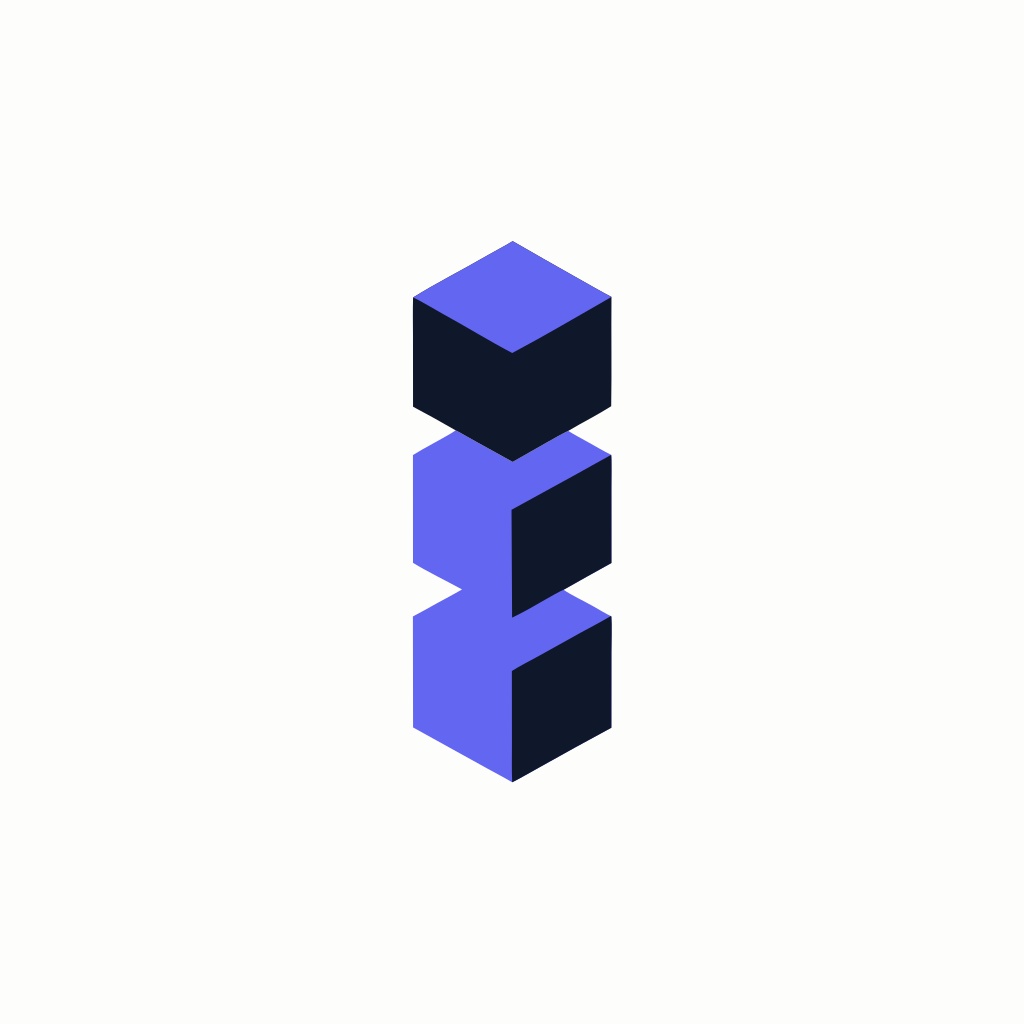
Brief: Flat fallback of the cube symbol (flat look)
Native SVG from Recraft V4 Vector. Flat stacked cubes, two colours, no shading.
Recraft V4 Vector · native SVG · 1024×1024
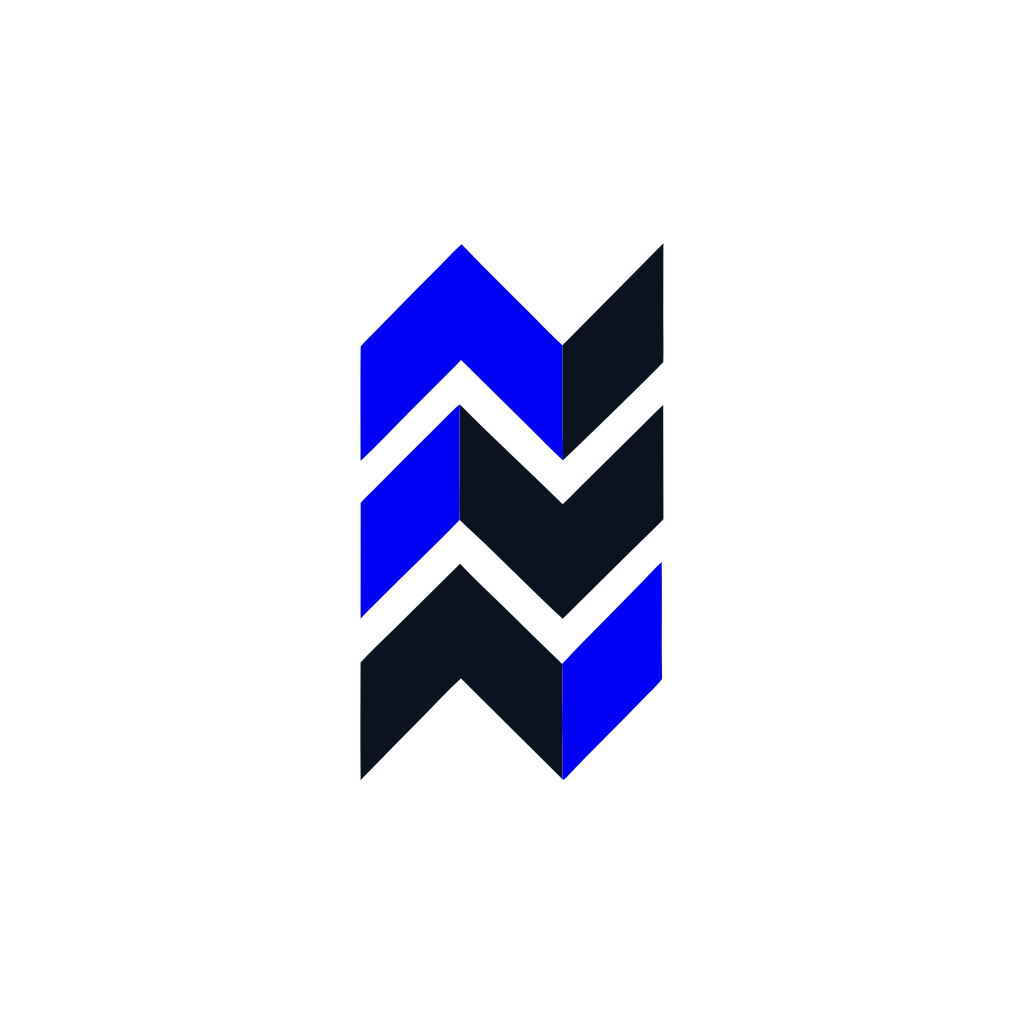
Brief: Geometric construction
Native SVG from Recraft V4 Vector. Stacked 45-degree chevrons, two colours.




- Logo makers by industryStarter briefs and advice grouped by business type.
- Logo styles comparedWhich looks are creator settings and how they differ.
- Design toolsIcons, favicons, cards and more, with real output limits.
Start with a brief
Write your brief now; you only need credits when you generate.