Logo vectorizer · needs an account
Convert a PNG or JPG logo to SVG
Upload a PNG, JPG or WebP logo (up to 5 MB; sides between 257 and 4095 px). It is traced into vector paths you can preview here and download as an SVG. Traced paths approximate the pixels, so check fine detail, gradients and small text before you use the file.
Vectorizing uses no credits. Limits per account: 40 vectorizations and 60 uploads per hour. Signing in is required.
How it works
- Sign in. Tracing uses LogoQuill's image service, so it needs an account.
- Choose a PNG, JPG or WebP file up to 5 MB, with each side between 257 and 4,095 pixels. The file is checked in your browser before anything is uploaded, and files outside these limits are refused with the reason.
- LogoQuill uploads it and traces it into an SVG.
- Preview the traced result, then download the SVG.
Cost and limits
| Credits | 0 per trace |
| Rate limit | An hourly limit per account, shown in the tool (40 per hour when this page was written) |
| Accepted files | PNG, JPG or WebP, up to 5 MB, each side 257 to 4,095 px |
| Account | Required: the file is uploaded for tracing |
What traces well and badly
| Usually traces well | Usually needs checking |
|---|---|
| Flat shapes in a few solid colours | Gradients and soft shadows, which become simplified fills or flat shapes |
| Bold lettering at a decent size | Small or thin text, especially from small source images |
| Sharp images at least 1000 px across | Very small images: files under 257 px per side are refused |
What our test files showed
We traced four test images made for a fictional brand on 27 November 2026, using the same tracing service as this tool. Each result is an SVG made only of paths (no embedded bitmap).
| Test image | Traced SVG | What we saw |
|---|---|---|
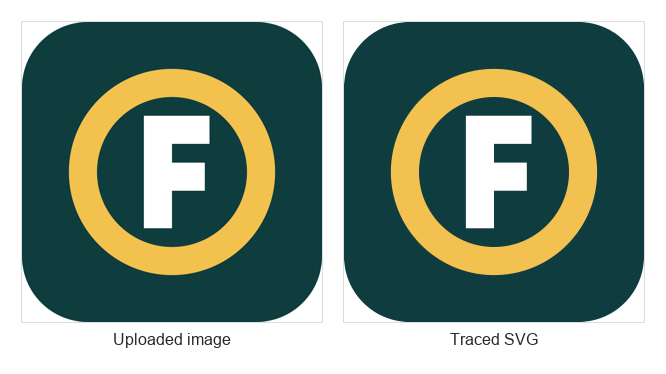
| Flat three-colour mark, 1024 px PNG | 2,567 bytes, 8 paths | A faithful copy: same shapes and three colours. |
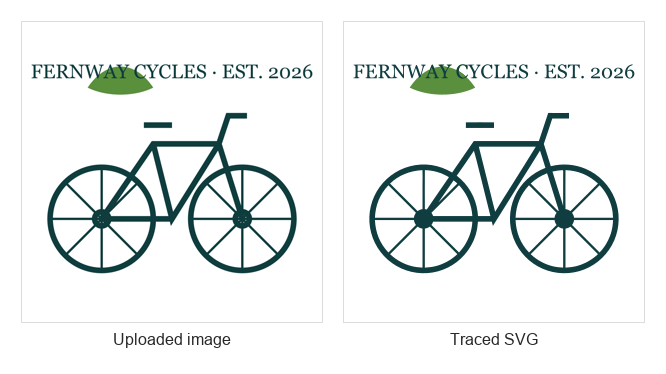
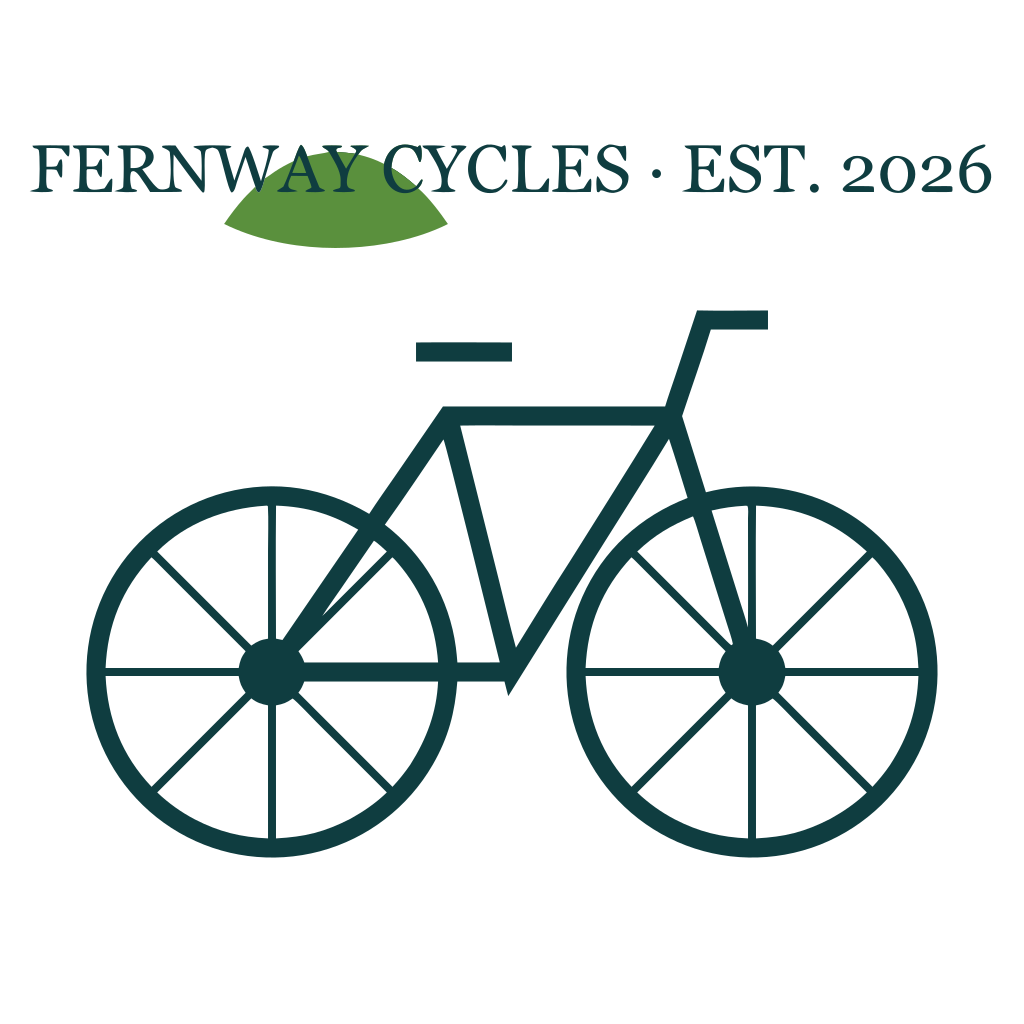
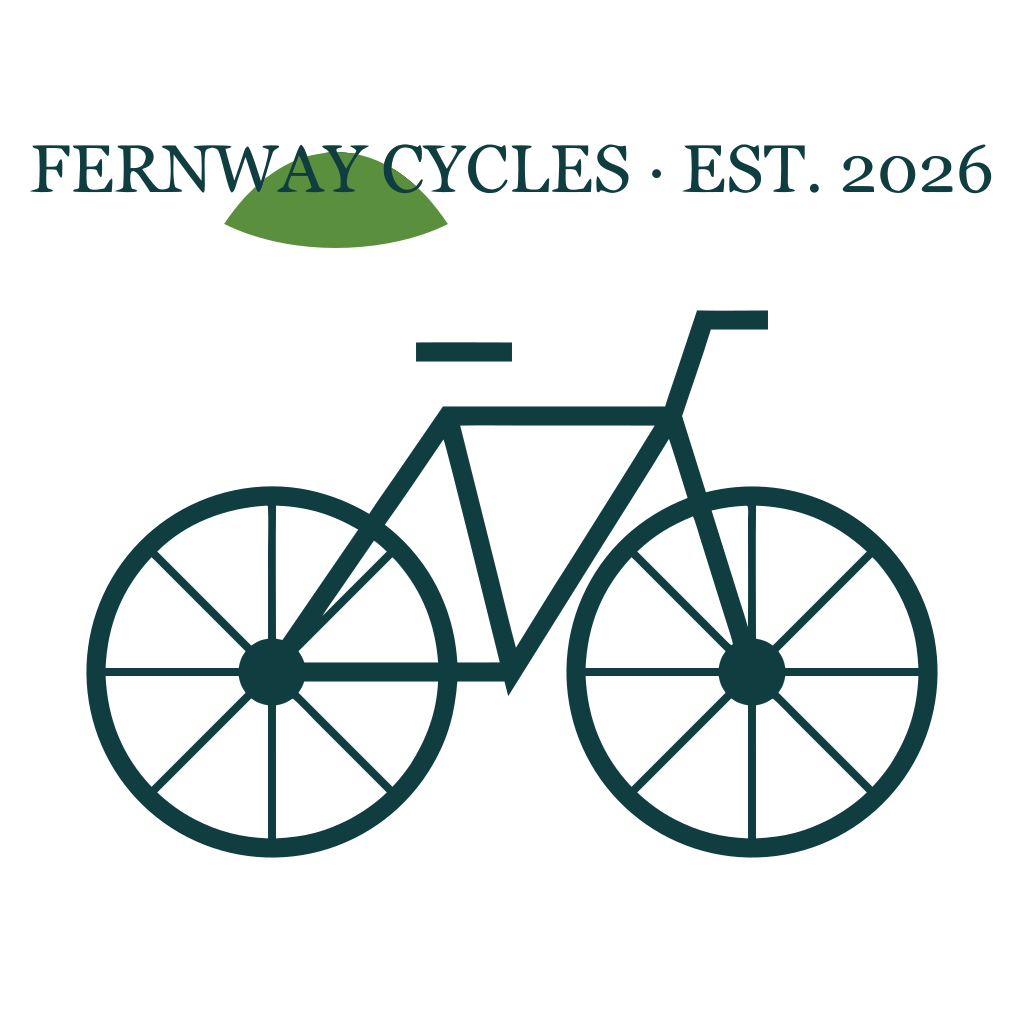
| Thin-line bicycle with a line of small text, 1024 px PNG | 26,553 bytes, 50 paths | Spokes and the small text survived as shapes; the small hub details became solid dots. |
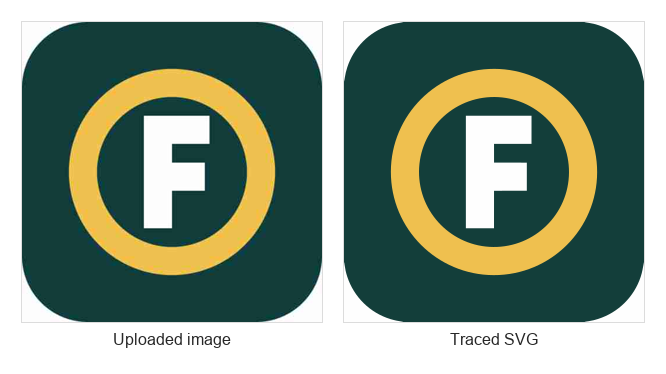
| Same flat mark as a 512 px JPG at quality 20 | 2,503 bytes, 8 paths | Traced cleanly; the compression noise did not become extra shapes. |
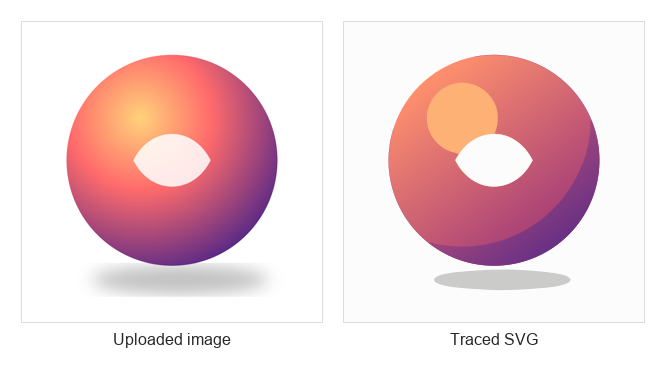
| Gradient orb with a soft shadow, 1024 px PNG | 5,692 bytes, 6 paths | The radial gradient became two linear gradients, the soft highlight a hard-edged disc, and the blurred shadow a flat grey ellipse. |
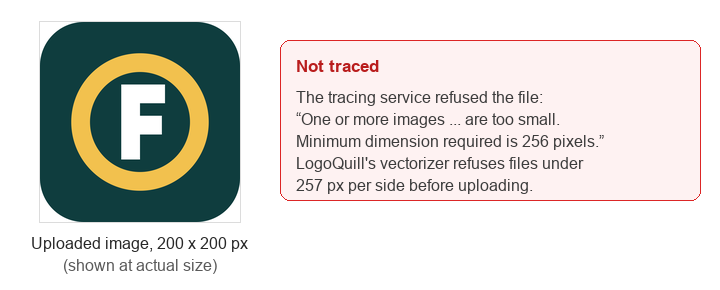
| Flat mark at 200 x 200 px | Not traced | Refused with "Minimum dimension required is 256 pixels". This tool refuses files under 257 px per side before uploading, so you see the reason straight away. |
Only upload logos you own
Upload only your own logo or one you have permission to modify. Do not trace another organisation's logo. Tracing a logo does not change who owns it.
If you want a cleaner result
- Start from the largest, cleanest original you have, or an export from the original design file.
- Remove the background first if it is not a flat colour.
- For a new logo, generate it with Recraft V4 Vector or Recraft V3, which return SVG directly.
All outputs from this page's briefs
Unedited images generated by LogoQuill on November 27, 2026 from this page's starter brief, using the same prompt builder and models as the creator. Each is a single run: results vary, and one image does not show how a model or look always performs. The brands are fictional. Previews and layout frames made from these files are labelled as such; they are not model output.

Recraft Vectorize (traced) · traced SVG (vectorize utility) · 1024×1024
Traced from owned input made for this test (not LogoQuill output) (PNG 1024×1024). Traced paths approximate the pixels; this is not native vector output.
Traced SVG, 8 paths, 3 colours, no bitmap. Faithful copy of the flat mark.
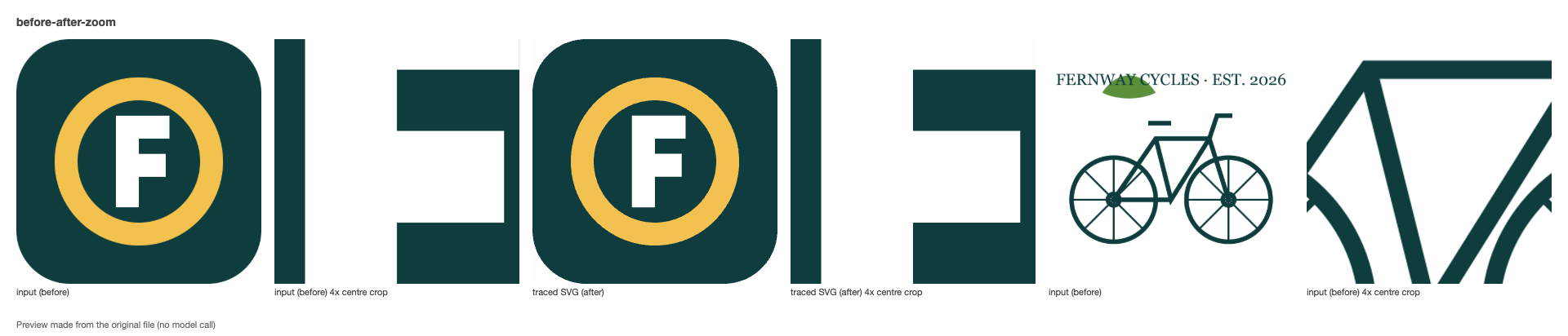
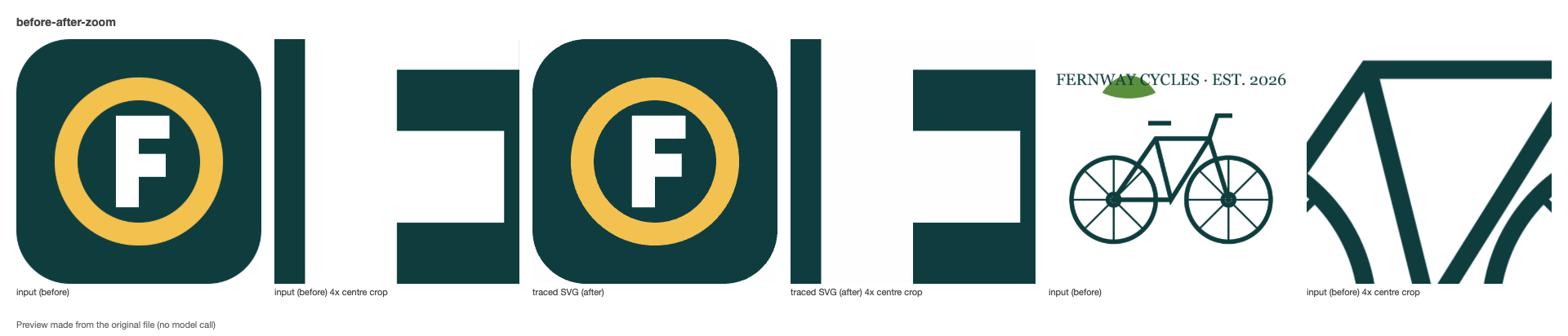
Preview made from the original file (not model output): before after zoom · PNG 1920×412
Brief:
Before/after with 4x centre crops for the four traced test images; tiles labelled individually.

Recraft Vectorize (traced) · traced SVG (vectorize utility) · 1024×1024
Traced from owned input made for this test (not LogoQuill output) (PNG 1024×1024). Traced paths approximate the pixels; this is not native vector output.
Traced SVG, 6 paths with two linear gradients; highlight and shadow became hard-edged shapes.

Recraft Vectorize (traced) · traced SVG (vectorize utility) · 512×512
Traced from owned input made for this test (not LogoQuill output) (JPEG 512×512). Traced paths approximate the pixels; this is not native vector output.
Traced SVG, 8 paths. Clean trace; compression noise not traced.
Recraft Vectorize (traced) · traced SVG (vectorize utility) · 1024×1024
Traced from owned input made for this test (not LogoQuill output) (PNG 1024×1024). Traced paths approximate the pixels; this is not native vector output.
Traced SVG, 50 paths. Spokes and small text kept; hub details became solid dots.



Frequently asked questions
Does vectorizing cost credits?
No. Tracing uses 0 credits; there is an hourly limit per account, shown in the tool.
Why does my SVG look lumpy?
Tracing follows the pixels. Low-resolution, blurry or compressed images trace their flaws; use a larger, cleaner source.
Will the SVG contain my original image?
No. The traced file is made of paths; you can check by zooming in or opening it in a text editor.
Related guides and tools
Sources
- fal.ai: Recraft vectorize (checked 2026-11-27)